Skip to content
Explore

Pick a scenario. Run real queries

In under 30 minutes, you will have CrateDB running, data loaded, and real queries answered. No contact details required.

At the end of this path, you will have a live dashboard running against data you imported and queried yourself. You will not have watched a demo. You will have built it.

Pick a scenario below that matches your data type. Each path is built around a real dataset, a set of SQL queries that show what CrateDB is built to handle, and a dashboard template ready to connect. The full path takes under 30 minutes.

The way it works

  1. Select a scenario. Your choice personalizes the dataset, the SQL queries, and the dashboard template for every step that follows.
  2. Get familiar with the dataset. Before you import anything, you see exactly what data you will work with and what the finished dashboard looks like.
  3. Run CrateDB. Start a free cluster on CrateDB Cloud, run it locally with Docker, or deploy on your own infrastructure. Takes 3 to 5 minutes.
  4. Import the data. Load the sample dataset into CrateDB with a single command. Import takes less than 10 seconds on most connections.
  5. Run queries. Execute SQL against the full dataset. Results in under a second.
  6. Explore more advanced queries. Run multi-dimensional queries across time, location, and categorical dimensions. The kind that would have required a pre-aggregation step elsewhere.
  7. Connect. Link CrateDB to a dashboard, your application, an AI framework, or a streaming source like Kafka.
  8. Discover what to do next. Import your own data, explore the architecture, sign up for the CrateDB Academy or talk to a Solutions Engineer about your production workload.

Choose a scenario

Sensor data • Location analytics
Sensor Data Analytics →

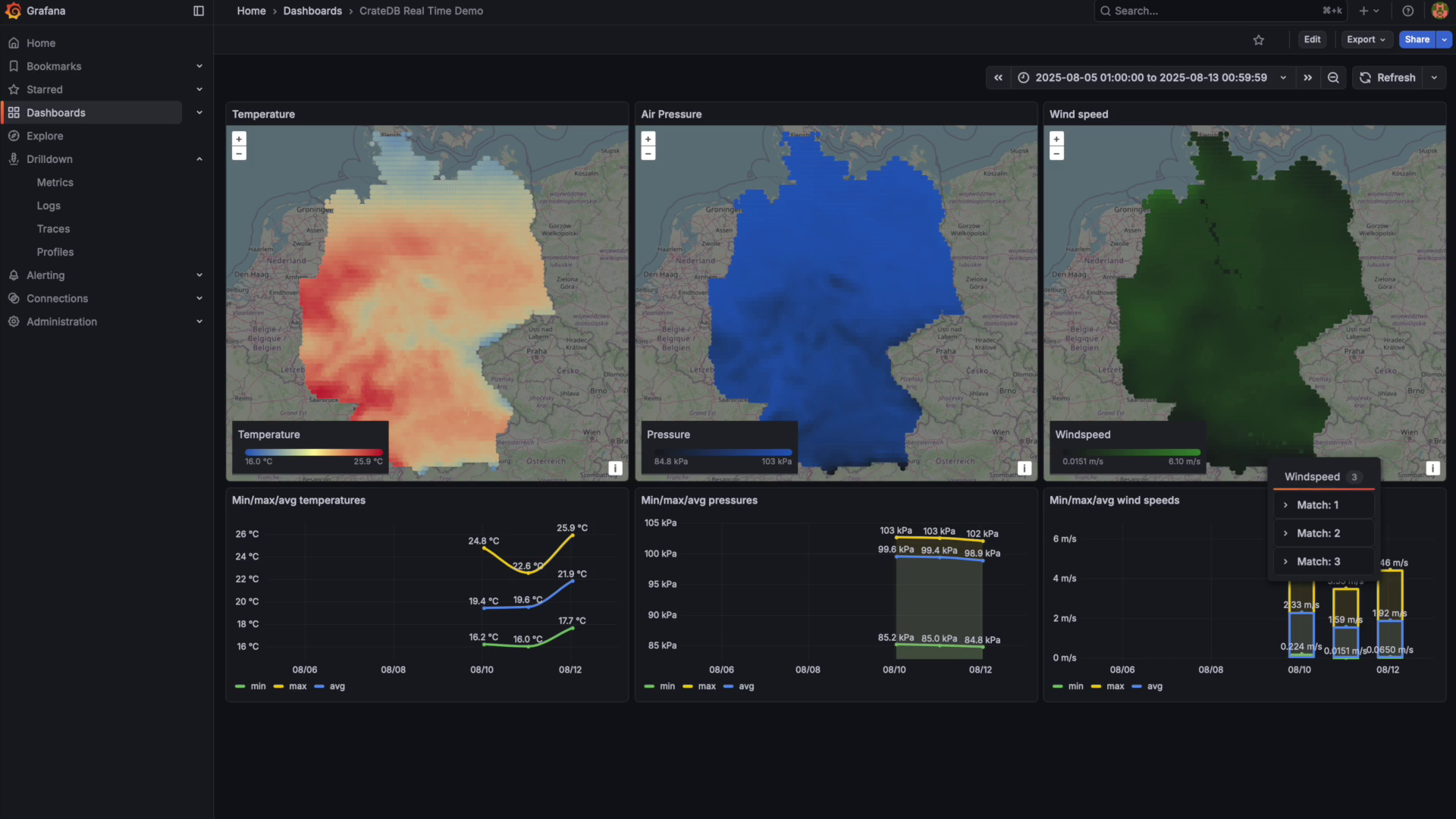
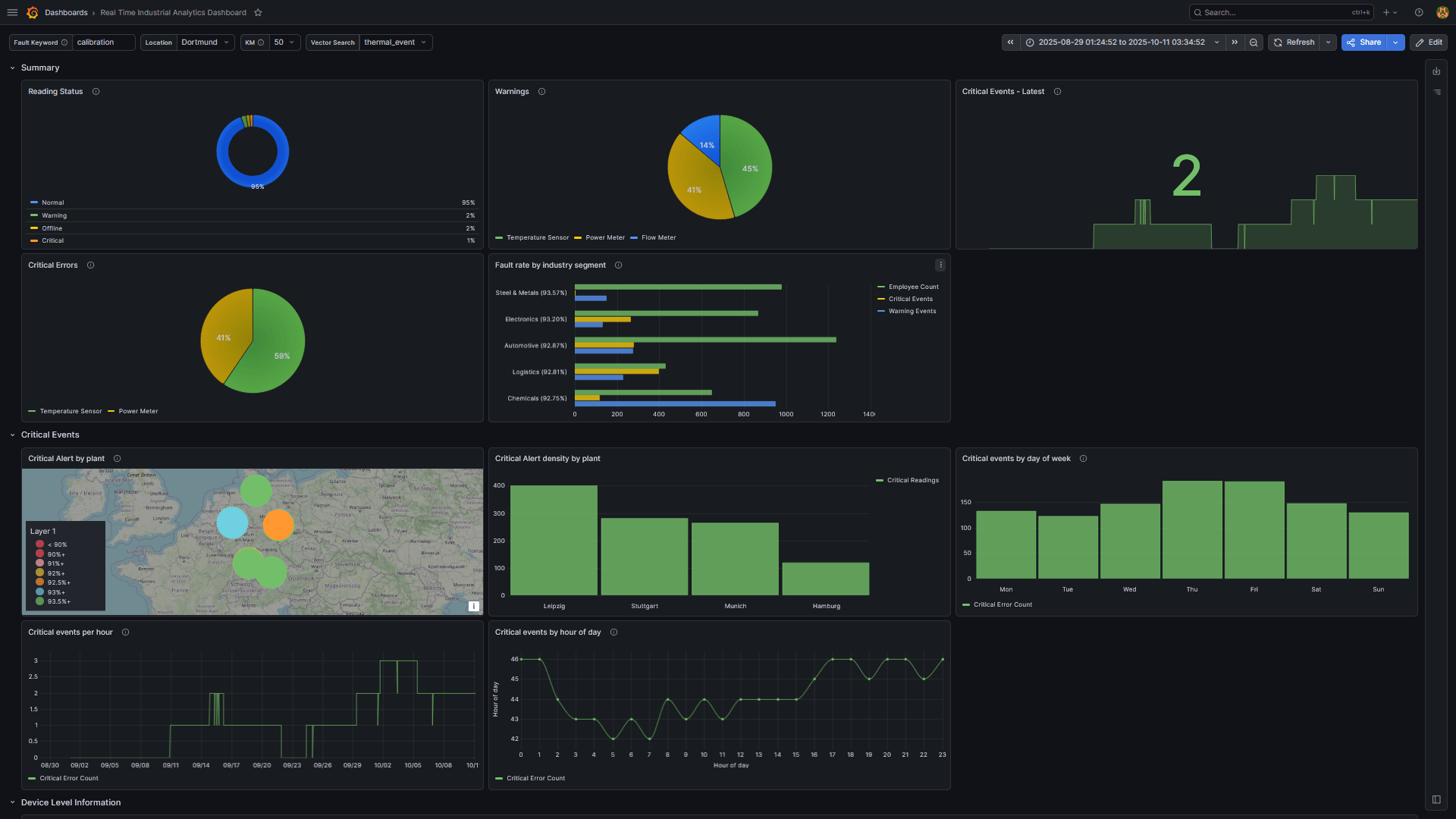
Query 260k of time-series readings across 80 stations, with geospatial filters, time-bucket aggregations, and no pre-aggregation. Connect a live Grafana dashboard. The same pattern applies to any sensor stream: devices, meters, or fleet GPS.

Under 30 minutes, start to finish.
screenshot1


Semantic search • Keyword search
Hybrid Search →

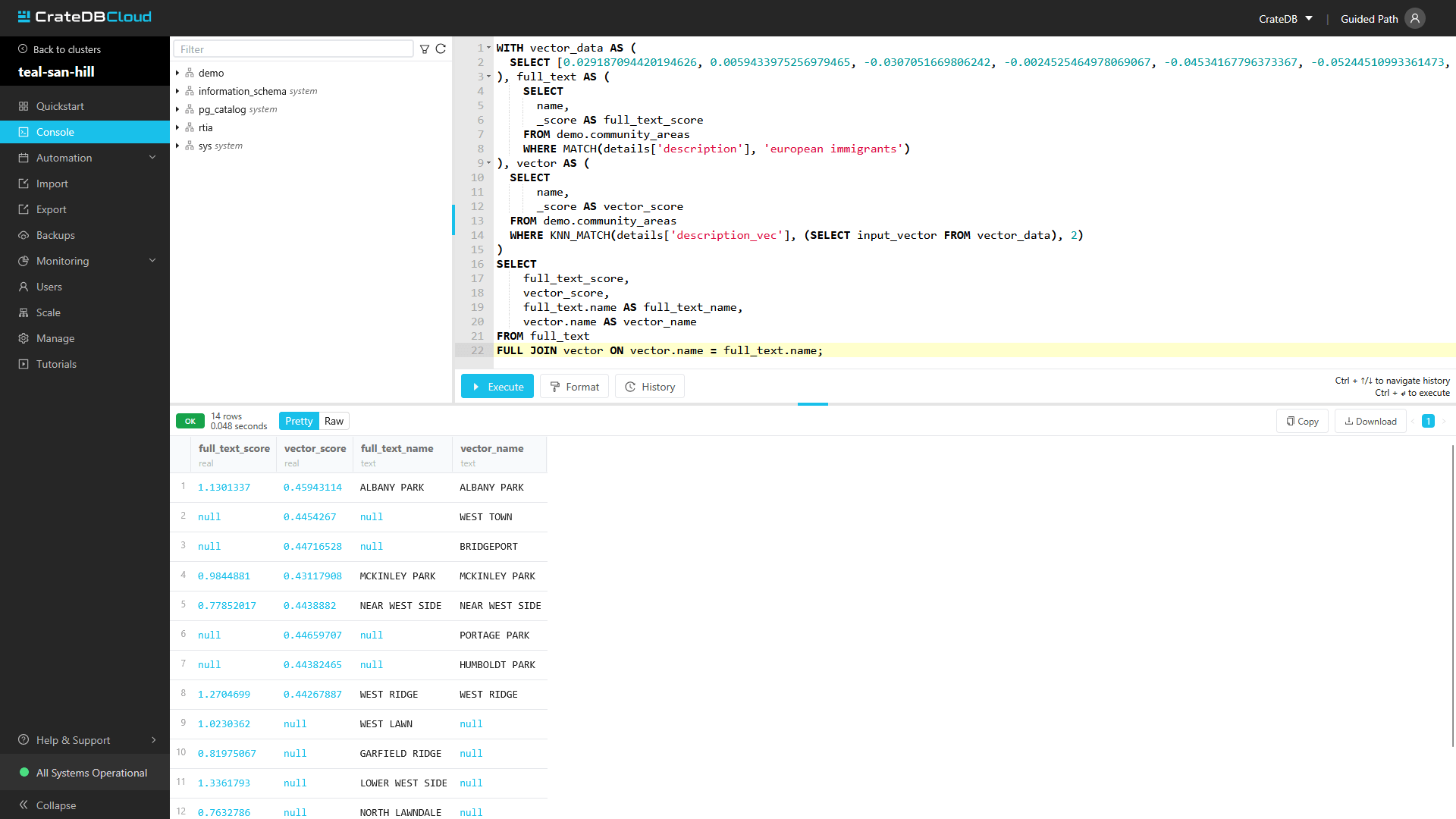
Run keyword and semantic search side by side in a single SQL query, against the same table. No separate search index. No pipeline. Use Chicago community data to build a working hybrid search experience, then connect your own corpus.

Under 20 minutes, start to finish.

Not sure if CrateDB fits your data?
Answer a few questions and get your fit score →

No email required.