Live scenario
Sensor Data Analytics
- 1. Choose Scenario
- 2. Get Ready
- 3. Run CrateDB
- 4. Import Data
- 5. Explore Queries
- 6. More Queries
- 7. Connect
- 8. Next Steps
Weather Monitoring:
Query Station Data While It Arrives
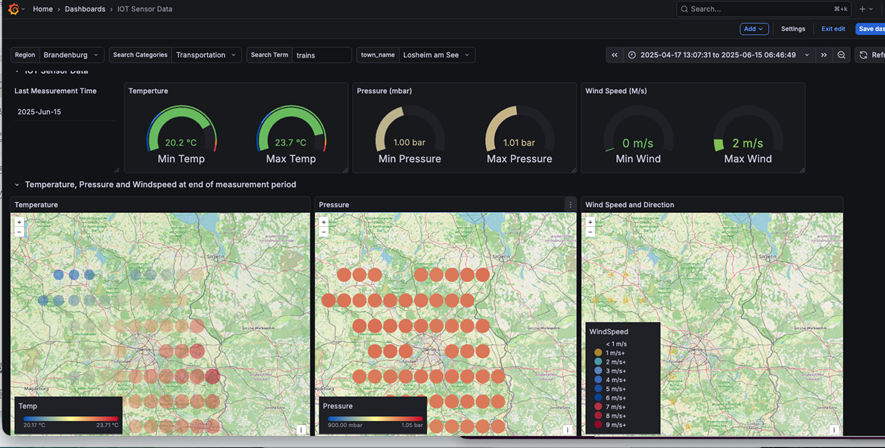
By the end of this path, you will have a live dashboard showing temperature trends, regional aggregations, and geospatial patterns across weather station readings from Germany.
You will work with 260k timestamped readings from 80 weather stations across Germany: temperature, humidity, and pressure values with geographic coordinates.
Import the dataset into CrateDB, run SQL queries against it, and connect a live Grafana dashboard.
Duration: ~30 minutes
By the end, you’ll understand how to:
- Run hourly aggregations across 260k timestamped readings in under a second.
- Filter station readings by geographic region using SQL spatial queries.
- Query data the moment it arrives with no pre-aggregation step.
- Connect a live Grafana dashboard to CrateDB in under 5 minutes.